Welcome to Monime! This comprehensive guide will walk you through creating your personal Monime account, called a Monimeer account . As a Monimeer, you’ll gain access to your personal dashboard and the ability to create and manage Monime Spaces for your business operations.
What You’ll Need : An active Sierra Leonean phone number or valid email
address Estimated Time : 3-5 minutes
Account Creation Process
Step 1: Choose Your Registration Method
Navigate to auth.monime.io to begin the registration process.
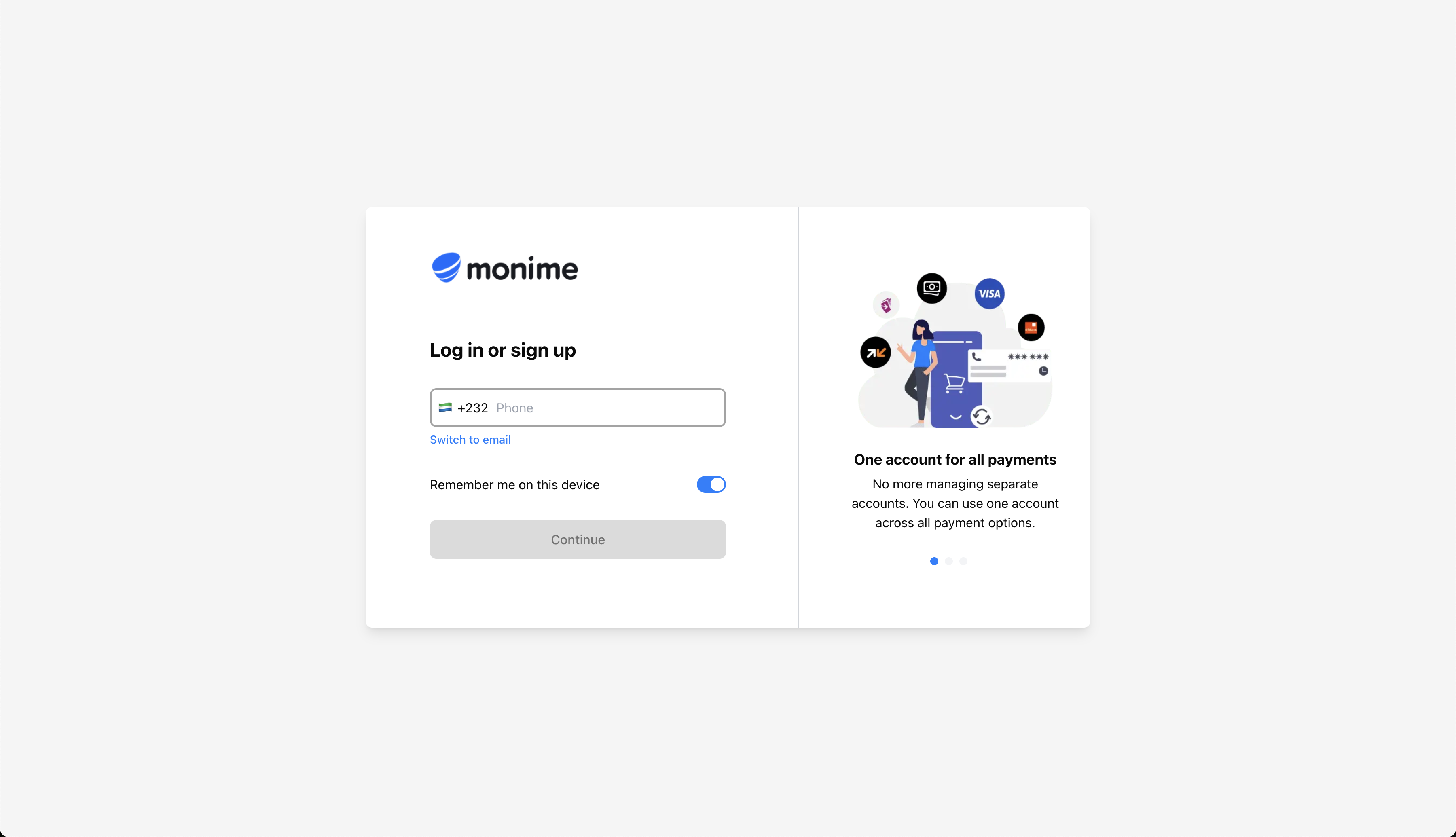
You’ll be presented with two registration options:
For Sierra Leone Residents
Enter Your Phone Number
Type your active Sierra Leonean mobile phone number in the format:
+232XXXXXXXX This method is highly recommended for users within Sierra Leone as it integrates seamlessly with local mobile services service providers.
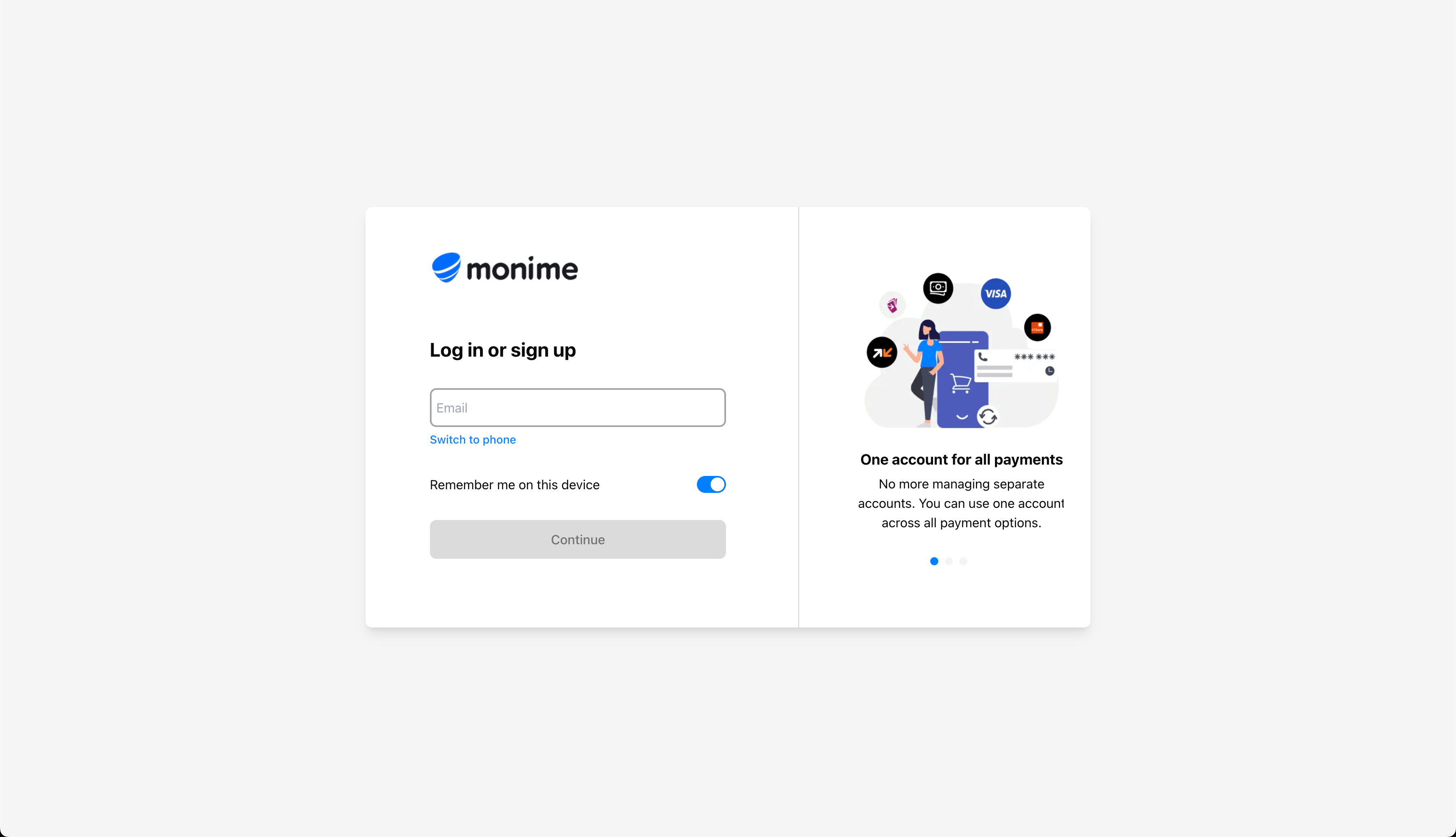
For International Users
Enter Your Email
Enter your complete and valid email address (e.g., yourname@example.com) This method is highly recommended for International users
Step 2: Verify Your Account with OTP
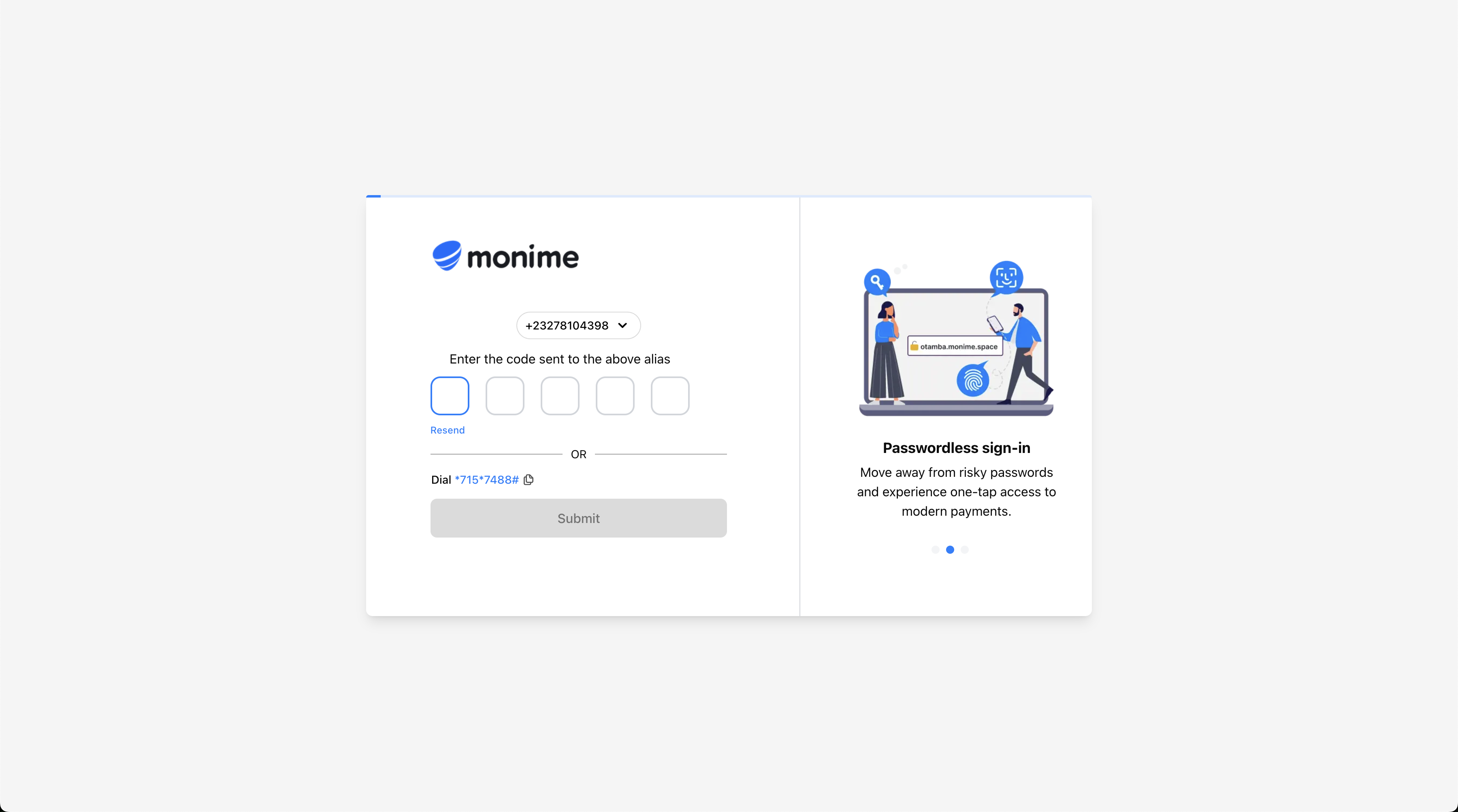
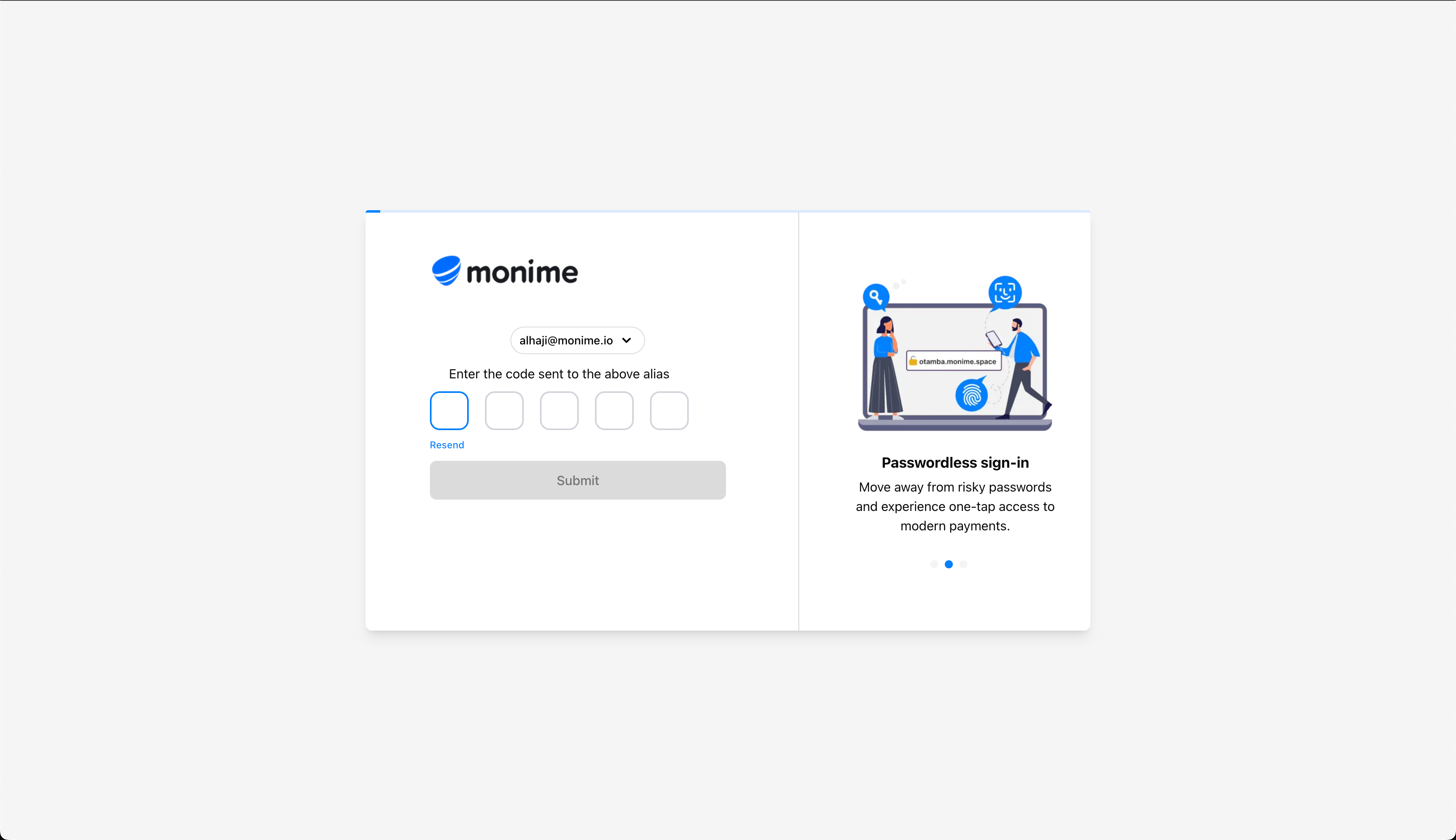
Once you’ve entered your contact information, Monime will send a verification code.
Phone Verification
Email Verification
A 6-digit OTP will be sent via SMS to your Sierra Leonean mobile number. A 6-digit OTP will be sent to your email inbox. Check your spam/junk folder if you don’t receive the email OTP within 60
seconds.
Enter the OTP in the verification field. If you don’t receive the code within 60 seconds, click the “Resend OTP” button.
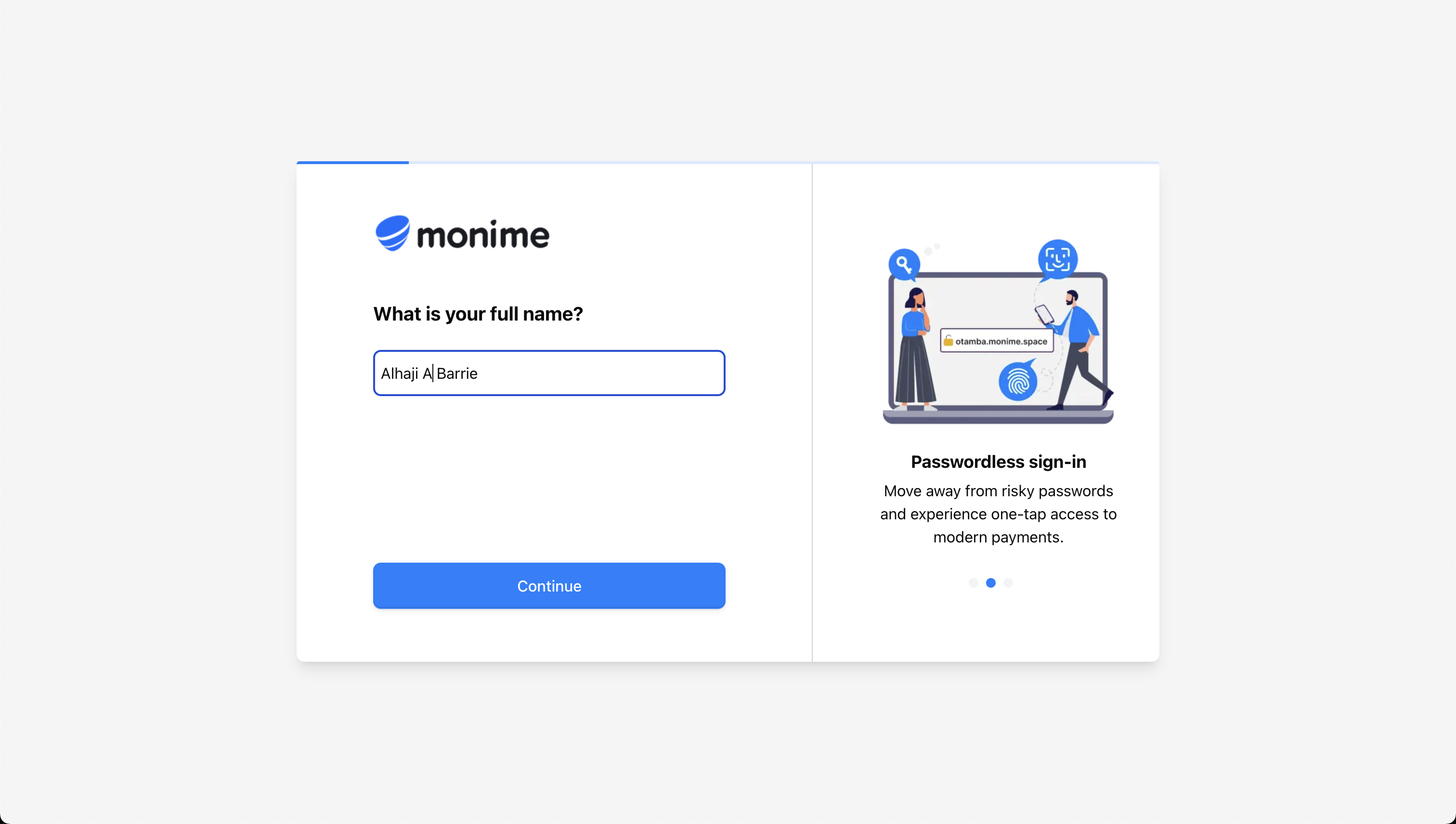
Step 3: Complete Your Profile
After successful verification, you’ll need to provide some basic personal information.
Enter Your Full Name
Enter your complete legal first and last names as they appear on your official
identification documents. This should match your National ID, Passport, or Driver’s License for future
KYC processes.
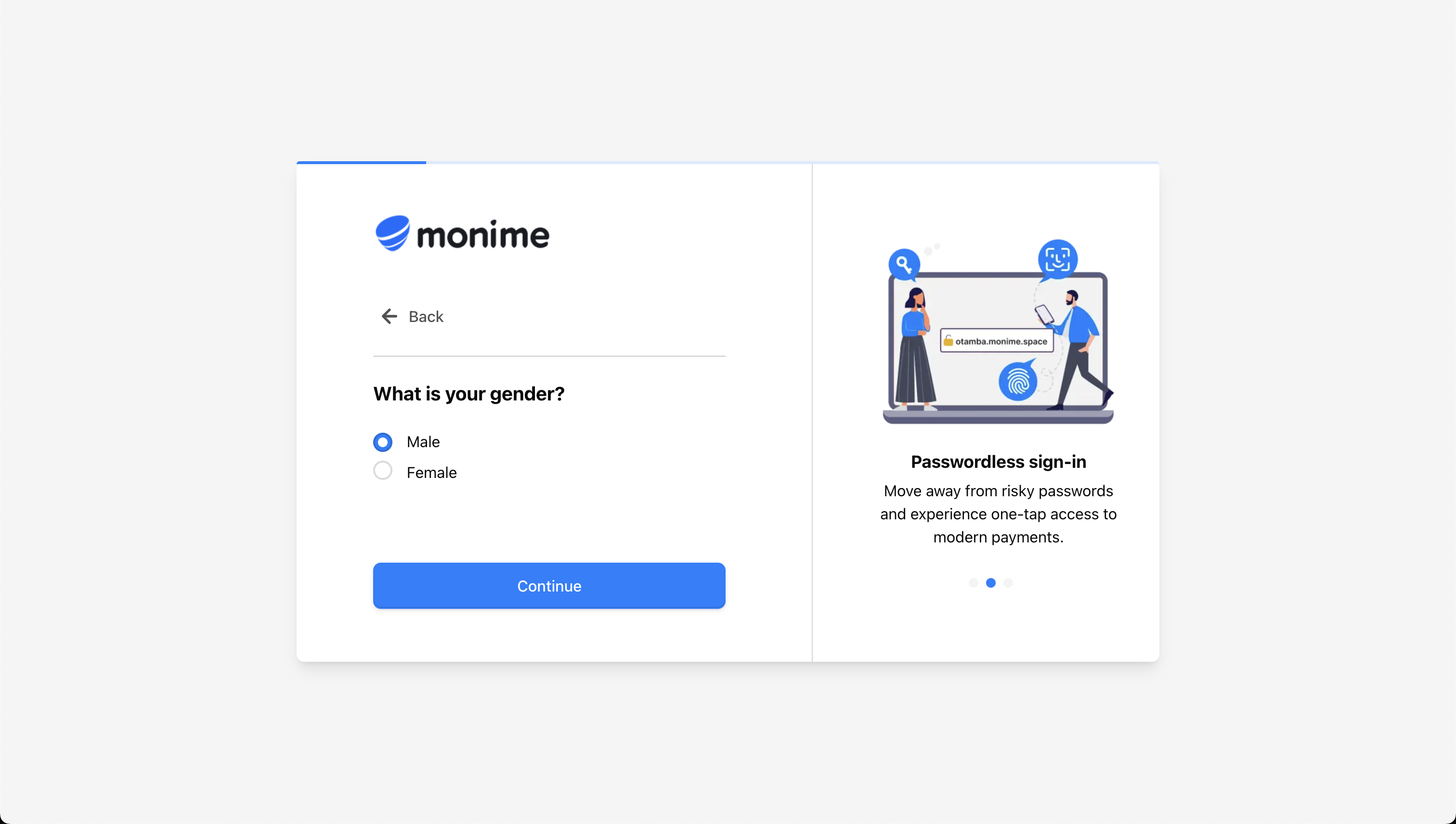
Select Your Gender
Choose from the available options: Male, Female, or Prefer not to say.
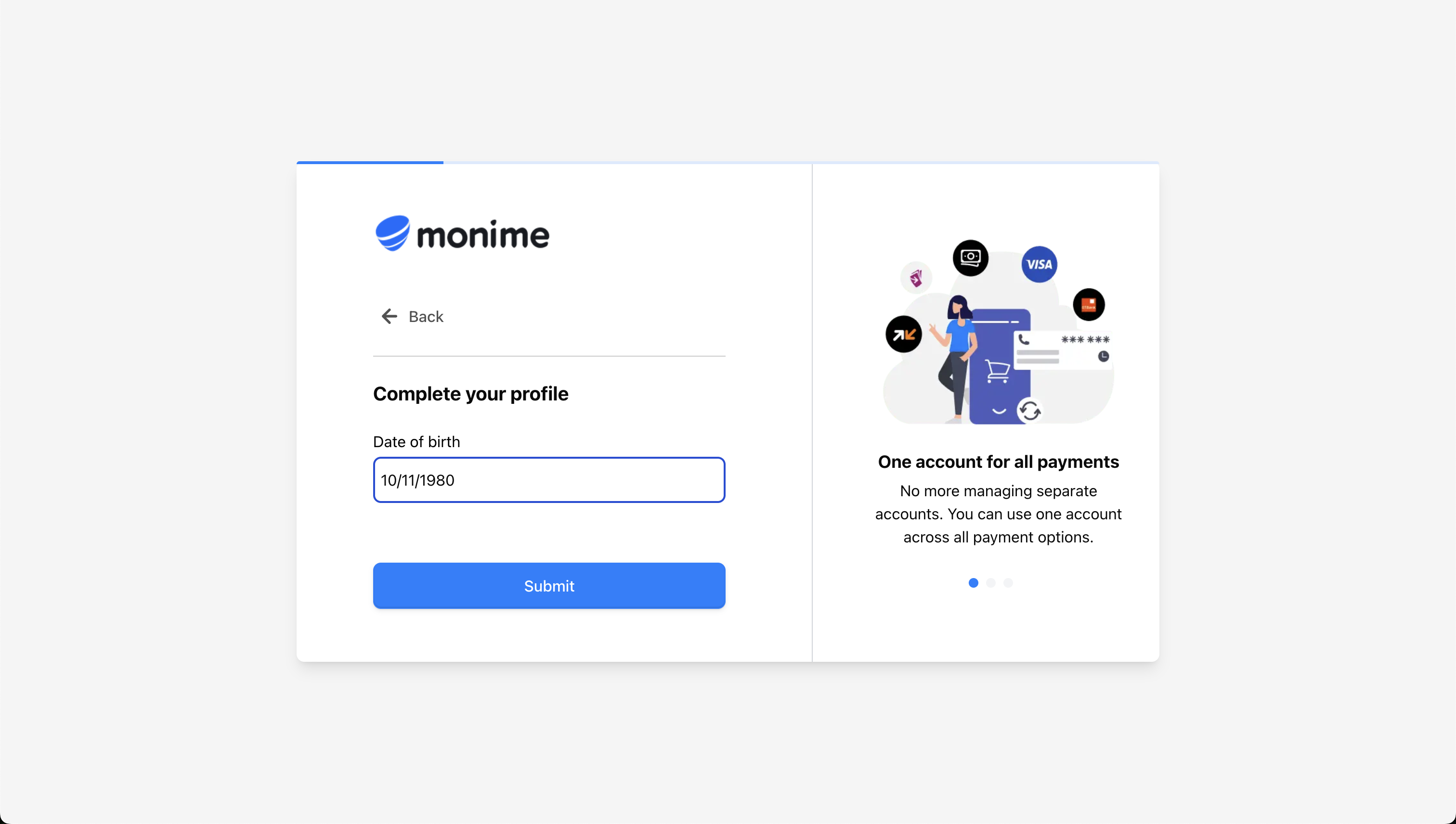
Enter Your Date of Birth
Input your date of birth in DD/MM/YYYY format (e.g., 01/01/1990 for January 1st,
1990).
Your Monimeer Dashboard
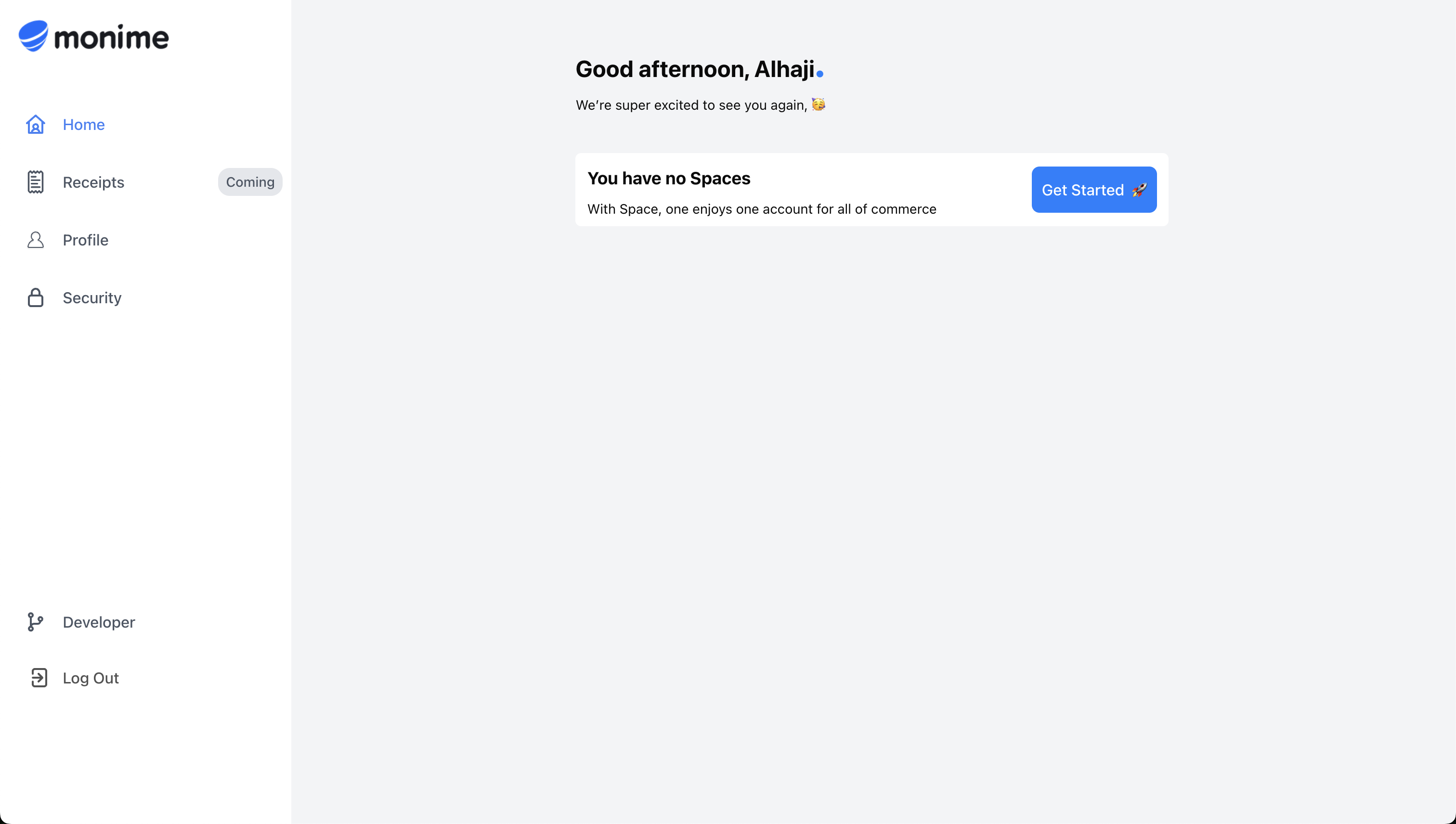
Congratulations! After completing the registration, you’ll be automatically redirected to your personal Monimeer Dashboard at my.monime.io .
Dashboard Features
Your dashboard serves as the central hub where you can:
Profile Management Manage your personal profile details and account settings
Monime Spaces View and manage all your business Spaces
Device Management Manage logged-in devices and security settings
Developer Portal Access API tokens and developer resources
OTP Delivery Settings
You can configure how you receive OTP codes for future logins and sensitive operations through your dashboard settings.